SharePoint FAQs
FAQs for SharePoint Access Issues
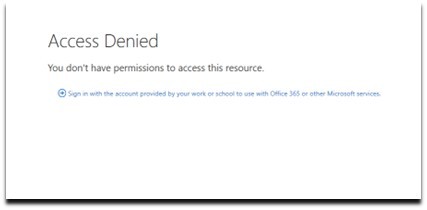
1. Why can’t I access the SharePoint file? It says “Access Denied”.
If you’re seeing this message, it’s likely because you haven’t set up Multi-Factor Authentication (MFA) yet. To resolve this, please follow the MFA setup instructions provided here: MFA Setup Instructions. Kindly click on ‘Sign in with the account provided…’. If the error persists, please try opening in an InPrivate window or Incognito mode.
Note: If you’ve already set up MFA with your organization, you’ll need to set it up again for our system, as your account needs to be registered as a guest in our organization. Once MFA is configured, you should be able to access SharePoint.
2. I clicked on the link, but I don’t see any files. What should I do?
Sometimes, this issue happens when files are cached in your browser. To resolve it, please try the following:
Option 1
For Microsoft Edge
For Google Chrome
Option 2
For Microsoft Edge
For Google Chrome