15 Ways of Visualizing Corporate PowerPoint Slides for Presentations (Tips and Tricks)


Every day at Chillibreeze we go through many customer emails and enquiries that revolve around one problem.
Visualizing Corporate PowerPoint Slides

When your slide contains percentages, you can easily convert them to visual charts.

When your slide contains percentages, you can easily convert them to visual charts.
Icons help hold the attention of the audience. Replacing or supporting content with icons increases the attention of the audience. But avoid overuse of graphic icons just for the sake of visual effects.
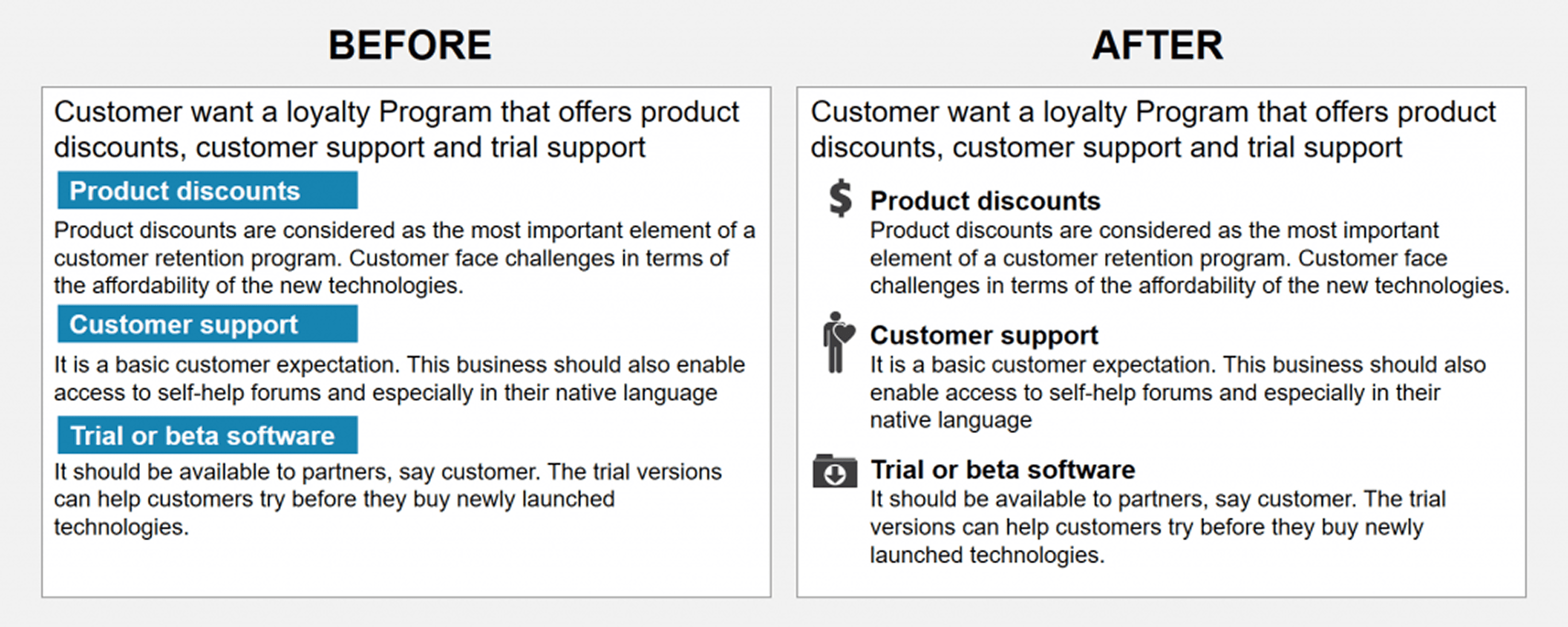
Icons help hold the attention of the audience. Replacing or supporting content with icons increases the attention of the audience. But avoid overuse of graphic icons just for the sake of visual effects.
When a slide is text heavy, it is best to cut the content down. You can convert it into points as shown here.
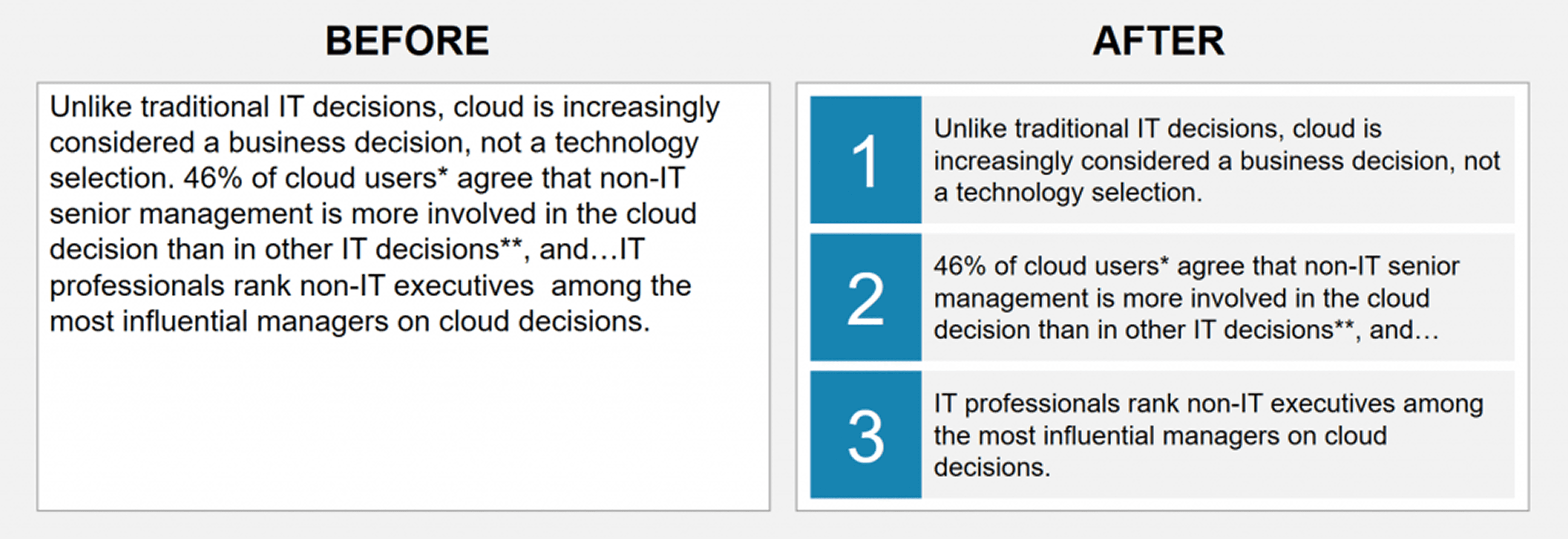
When a slide is text heavy, it is best to cut the content down. You can convert it into points as shown here.
In addition to breaking your slide content down to consumable pieces, the use of icons adds a perceivable visual impact to your presentation.
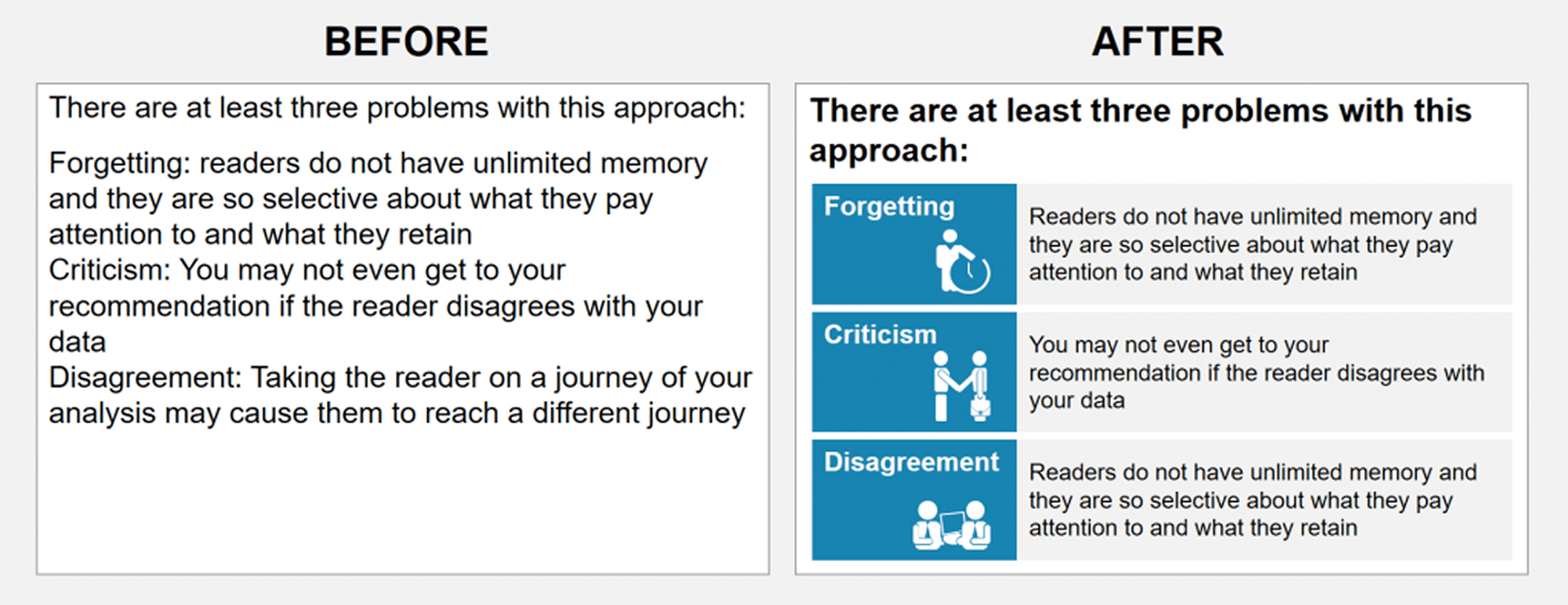
In addition to breaking your slide content down to consumable pieces, the use of icons adds a perceivable visual impact to your presentation.
There are many ways you can visualize the content of your slides. You just have to get creative. Here is an example of how to convert a plain text slide into a flow chart. Depending on the flow of the content you can design the layout of the slide.
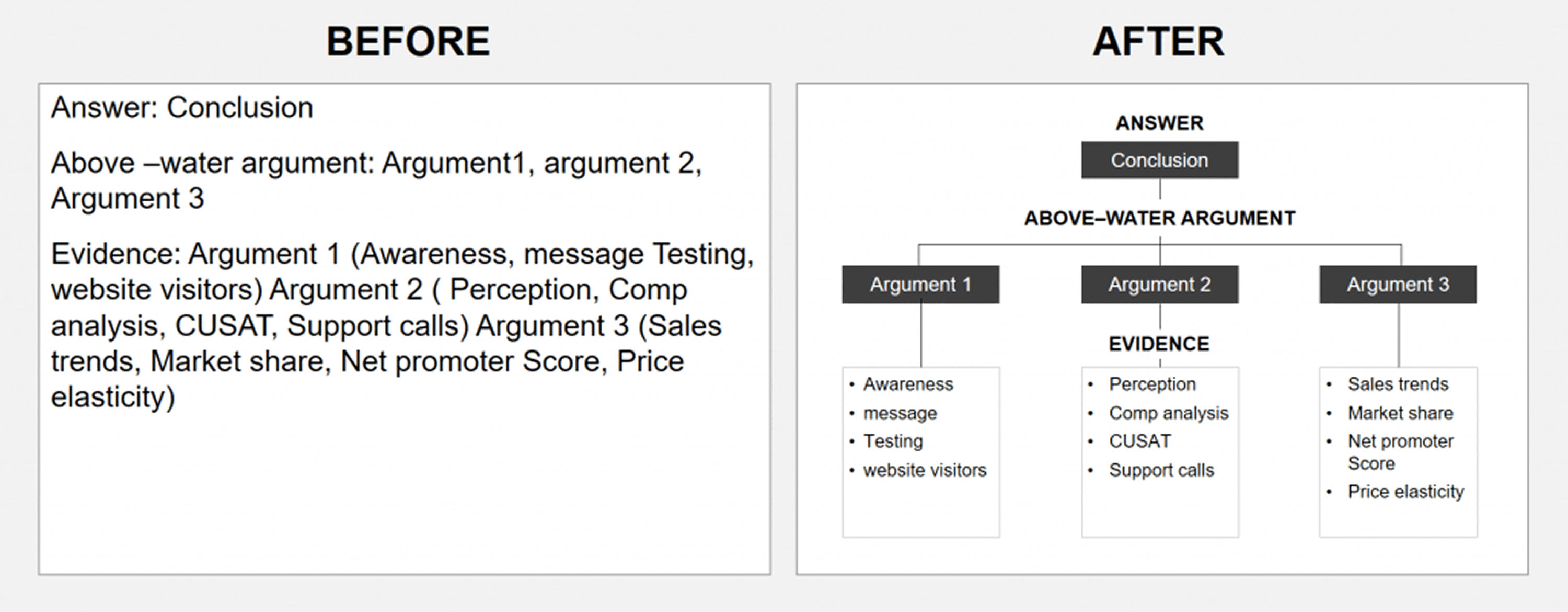
There are many ways you can visualize the content of your slides. You just have to get creative. Here is an example of how to convert a plain text slide into a flow chart. Depending on the flow of the content you can design the layout of the slide.